
Hours Tracker features
Everything you need to log your work hours, see what you have earned and send a timesheet, in one time tracking app for iOS and Android.
Effortless time tracking
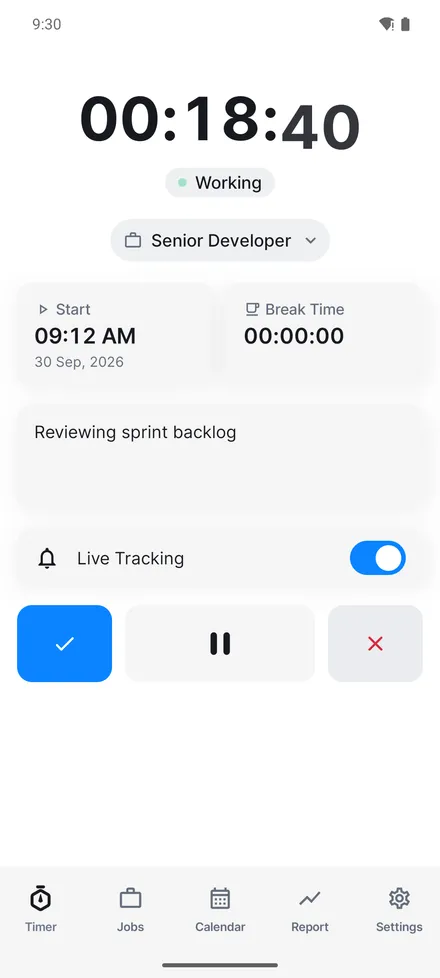
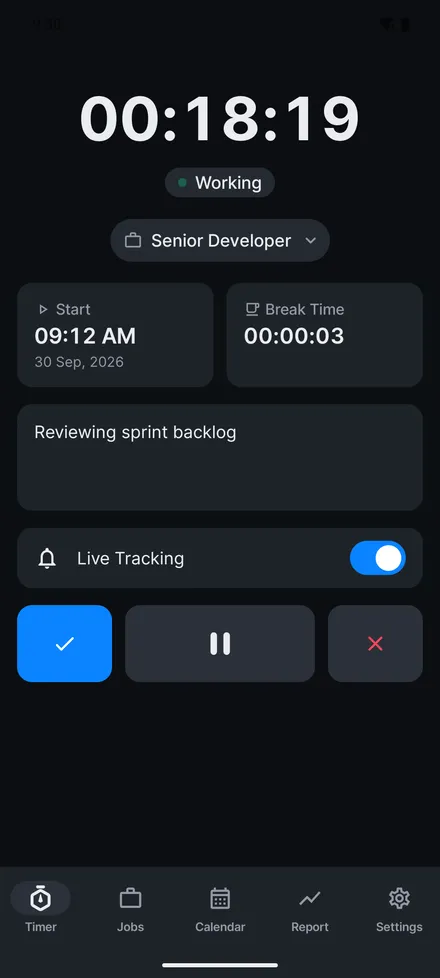
Clock in and out with one tap, or fill in a shift afterwards from the calendar. Live tracking keeps the running total in your notifications, and reminders nudge you at the start and end of a shift. Breaks come off the total, so the hours you bill are the hours you actually worked.
Multiple jobs and employers
Keep every role apart, each with its own employer, hourly rate and currency, and switch between them in a tap. Read more about tracking hours across multiple jobs.
Overtime, holiday and leave
Set separate rates for regular, overtime and holiday hours, log paid or unpaid leave, and see what a period has earned you without doing the arithmetic. See how work types and rates work.
Reports that answer questions
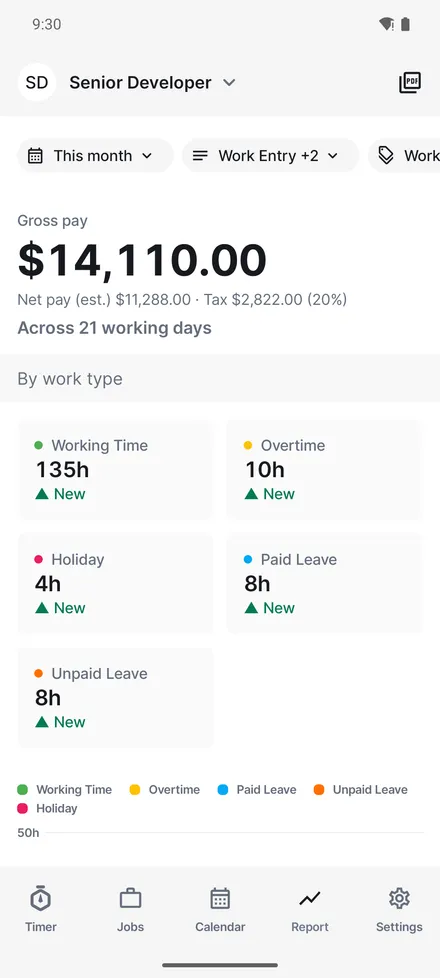
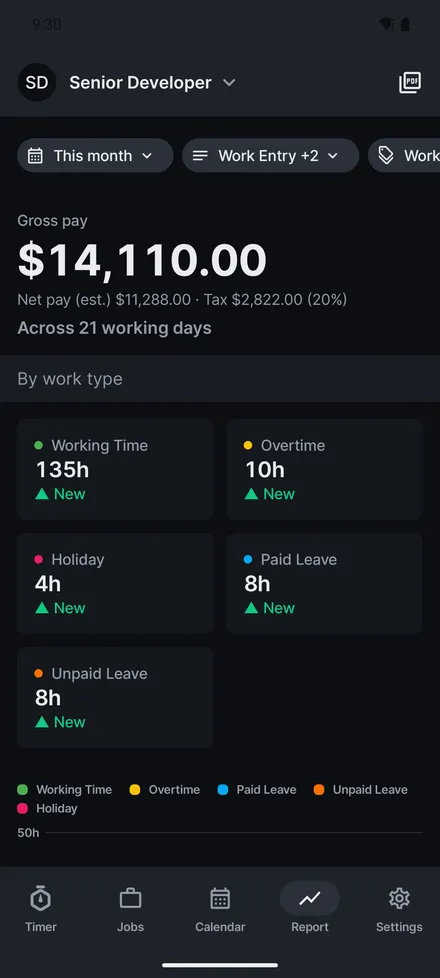
Pick a period and filter by job, work type or tag. You get totals, earnings and a breakdown by type, so you can see where the hours actually went.
PDF timesheets
Export any period as a timesheet your employer will accept: three layouts, your details and theirs, hours priced per rate, ready to print or send. Learn about timesheet PDF export.
Synced and backed up
Sign in and your entries are backed up and kept in step across your devices, so a lost phone is not a lost month of work.
A month in Hours Tracker
The screens above show one sample month for a single job. The timer runs while you work, and the report adds everything up: 135 hours of working time, 10 hours of overtime, 4 hours on a holiday, 8 hours of paid leave and 8 hours of unpaid leave across 21 working days, with the gross pay worked out from the rates set on the job. From the same report you can export the month as a PDF timesheet.
Last updated